How to Add an AI Chatbot to Your Nuxt Website with Aiduko
Build a chat page with Nuxt 4, Nuxt UI and the AI SDK. Connect it to Aiduko through a server route, stream answers from your website content and display source links.

Category Β· 32 articles
Articles in the category Vue.js.
Build a chat page with Nuxt 4, Nuxt UI and the AI SDK. Connect it to Aiduko through a server route, stream answers from your website content and display source links.

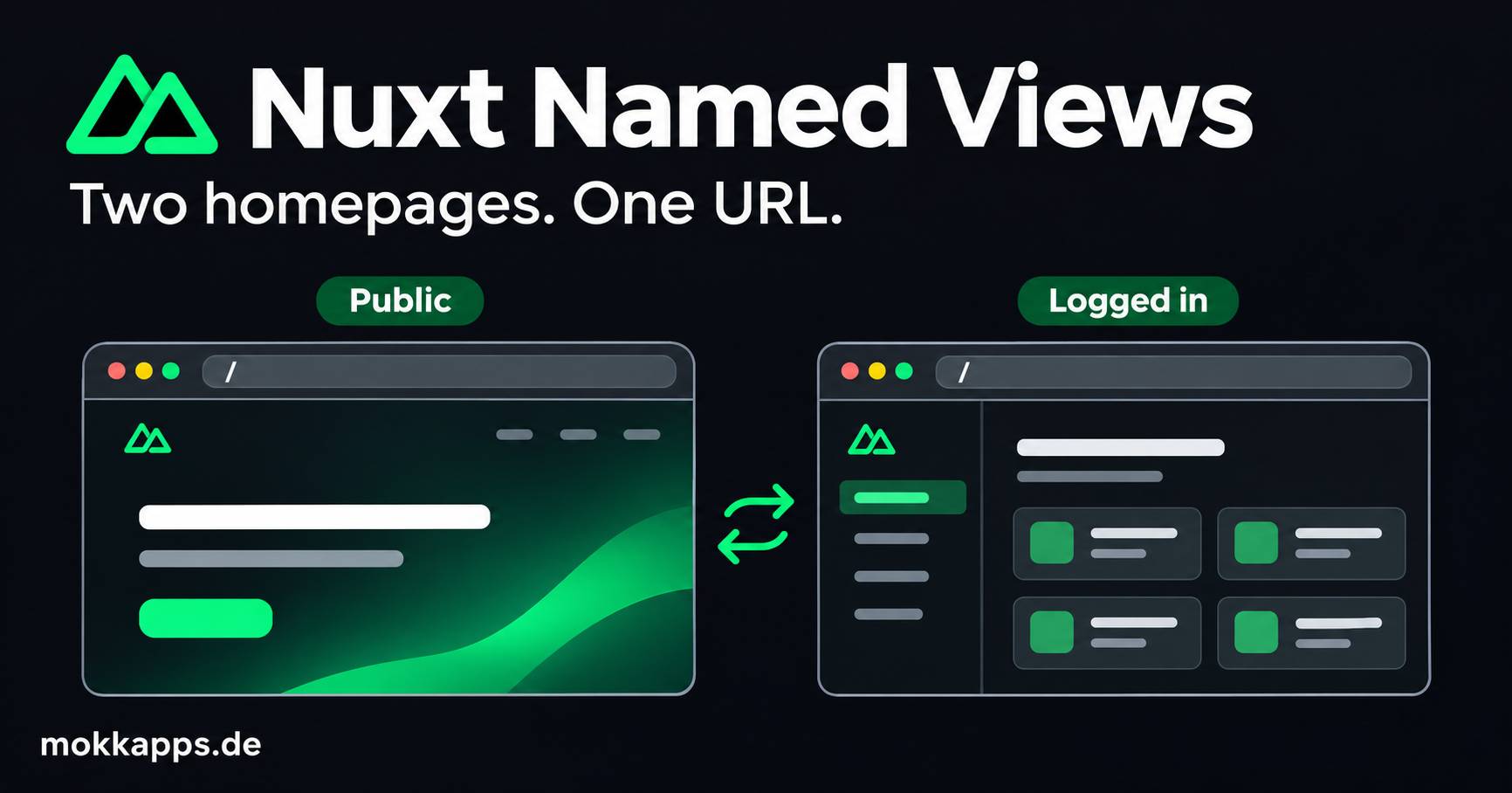
Use named views in Nuxt 4.5 to show a public homepage or a dashboard at the same URL, depending on a demo authentication cookie.

Aiduko turns websites and documents into AI chatbots that answer with sources. In this article, I share why I built it and give a high-level overview of its architecture: Nuxt layers, a single Postgres database, hybrid search and an API instead of a widget.

A beginner-friendly, practical guide to adding an MCP server to an existing Nuxt app using the Nuxt MCP Toolkit and a mocked weather tool.

When to use a composable, provide/inject or Pinia in Vue, with TypeScript examples showing which components share the same state.

My thoughts on the July 2025 NuxtLabs acquisition: the plans for Nuxt UI Pro, Studio and NuxtHub, and why hosting independence matters to me.

Discover the reasons behind the development of my unique Nuxt starter kit tailored for creating SaaS products. Learn why I opted for a highly opinionated and custom solution over existing options, and how it enhances productivity and maintainability.

Nuxt provides the useState composable which creates a reactive and SSR-friendly shared state. You might be confused when to use useState or ref in your Nuxt app. In this article, I want to answer this question

Learn how to dynamically render markdown content in a Nuxt 3+ application using the @nuxtjs/mdc module.

In one of my client projects, we recently had to analyze and fix a memory leak in our Nuxt 3+ application. I share my experience and our steps to identify and fix the memory leak.

I share my experiences of how I self-hosted my Nuxt apps with Coolify on Hetzner servers.

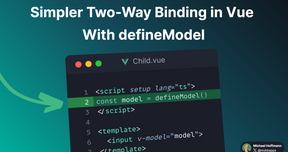
The new defineModel compiler macro has available since Vue 3.4 and makes two-way binding much simpler and cleaner.

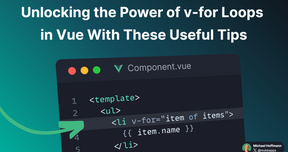
Looping through arrays and objects is a common task in Vue applications. The v-for directive is the perfect tool for this job. It is mighty, and you can use it in many different ways. In this article, I will show you some valuable tips and tricks to get the most out of the v-for directive.

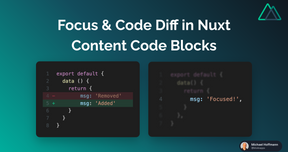
Custom code blocks are essential for my blog as my articles usually contain a lot of code snippets. My blog is powered by Nuxt Content v2, which is a Nuxt 3 module. I already wrote an article about how you can create custom code blocks using Nuxt Content v2.

In this blog post, I'll show you how a simple mechanism to lazy load your Vue components if they become visible using the Intersection Observer API.

With Nuxt 3's rendering modes, you can execute API calls and render pages both on the client and server, which has some challenges. For example, we want to avoid duplicate network calls, efficient caching, and ensure that the calls work across environments. To address these challenges, Nuxt provides a built-in data fetching library ($fetch) and two composable (useFetch and useAsyncData).

This article gives an overview of the highlighted features in Vue 3.3

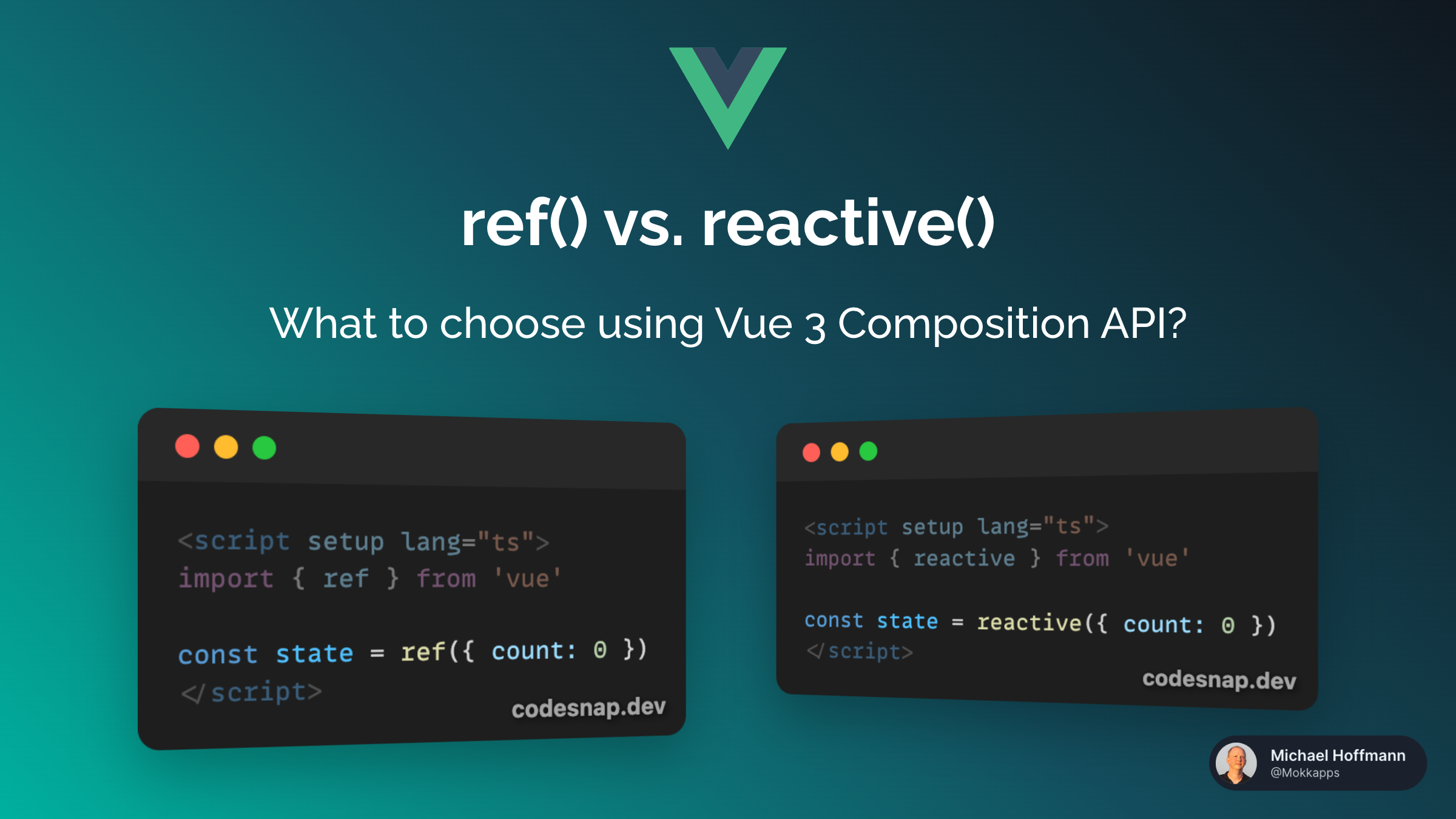
I love Vue 3's Composition API, but it provides two approaches to adding a reactive state to Vue components: ref and reactive. It can be cumbersome to use .value everywhere when using refs but you can also easily lose reactivity when destructuring reactive objects created with reactive.

I recently developed a custom newsletter service using Nuxt 3. One of the main reasons why I developed it on my own was that I wanted to use good-looking code blocks in my emails.

Twitter will shut down Revue on January 18, 2023, which I previously used as a newsletter provider for Weekly Vue News.